
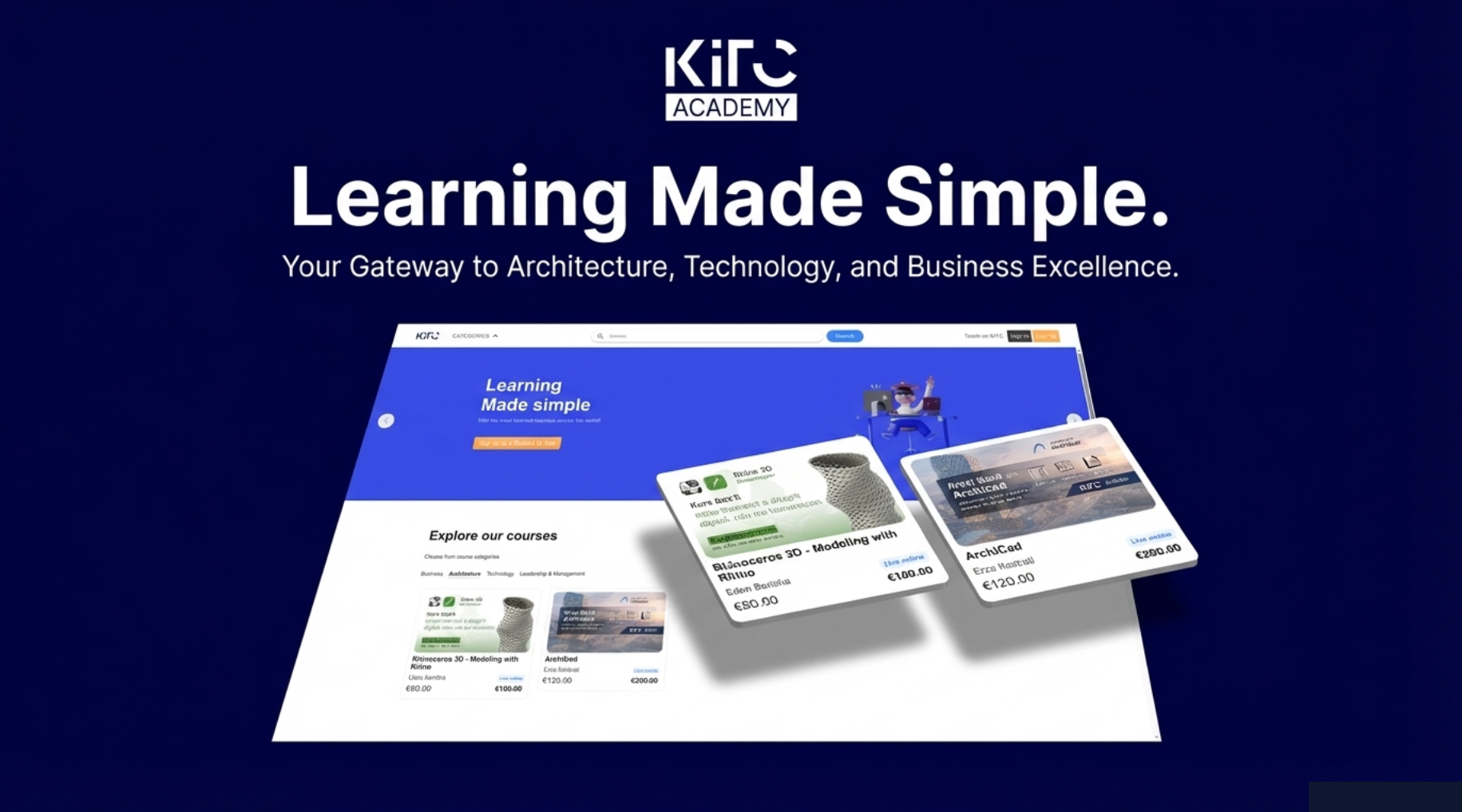
Getting Started on Our Platform
Welcome! Getting started on our platform is easy and takes just a few minutes. This short guide will help you understand the process from sign-up to joining your first class.
Access the Platform
To access the KITC Academy learning platform, visit:
https://kitc.bubblelms.com
This is where you can create your account, explore courses, and manage your learning.
1. Create Your Account
To begin, sign up on our platform using your name, email address, and a secure password. Once you register, confirm your email to activate your account.
2. Explore Courses
After logging in, you can browse all available courses. Use categories or filters to quickly find a course that matches your interests. Each course page includes key information such as the course overview, schedule, instructor, and price.
3. Enroll in a Course
When you find a course you like, add it to your cart and proceed to checkout. Choose your preferred payment method and complete the enrollment securely.
4. Access Your Dashboard
Once enrolled, your course will appear in your personal dashboard under My Courses. From here, you can see your course status, schedules, and progress.
5. Join Classes and Learn
For live courses, you’ll need to enroll in individual sessions from the course schedule. When it’s time, simply click Join to enter the virtual classroom and start learning.
6. Track Progress and Get Support
You can track your attendance, grades, and overall progress directly from your dashboard. If you have questions, use the course Q&A section or contact our support team anytime.
For a detailed, step-by-step walkthrough with screenshots, please refer to the onboarding PDF.
This PDF visually explains every step described above, from registration to joining your first class